Warning: Undefined array key 0 in /home/yatsuba/yatsuba.com/public_html/wp-content/themes/amaru/functions.php on line 406
Warning: Attempt to read property "parent" on null in /home/yatsuba/yatsuba.com/public_html/wp-content/themes/amaru/functions.php on line 407
Warning: Attempt to read property "term_id" on null in /home/yatsuba/yatsuba.com/public_html/wp-content/themes/amaru/functions.php on line 413
Warning: Attempt to read property "cat_name" on null in /home/yatsuba/yatsuba.com/public_html/wp-content/themes/amaru/functions.php on line 413
「JPG」「PNG」「GIF」の画像形式による違い
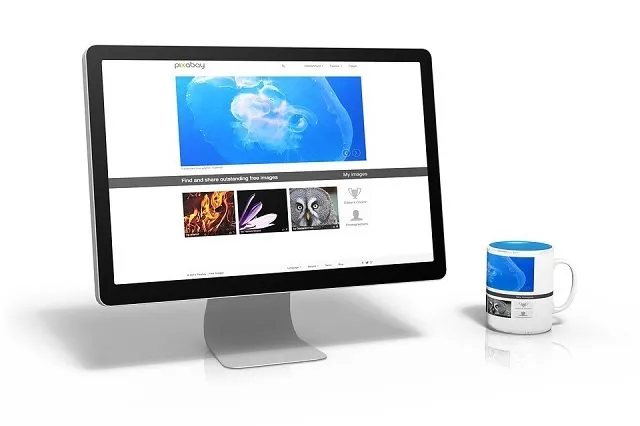
ウェブサイトに使用される画像形式には「Jpeg形式」「PNG形式」「GIF形式」の3種類があります。各形式に特徴があるので、用途に合わせて使い分けましょう。
各画像形式の特徴
JPEG形式
フルカラーが使用でき画像サイズも小さめです。しかし画像を上書き保存する度に画質が劣化していきます。特に画像サイズを小さくした場合はサイズに適した画質まで劣化します。画像を編集を多用する場合は、元画像を別にとっておくかPNG形式を使った方がいいでしょう。
用途:写真など
PNG形式
フルカラーが使用でき上書き保存しても画質は劣化しません。しかしファイル容量はJPEGに比べて大きくなります。編集が必要な画像の画質を落としたくない場合によく使います。また背景に透過処理を施せるため、サイトに画像を溶け込ませ易いのも特徴です。
用途:イラスト、写真など
GIF形式
使用できる色数が他に比べて落ちる反面、ファイル容量が小さいです。透過処理も施せるためアイコンやボタンなどによく使われます。また複数の静止画像を繋げて結合したパラパラ漫画式のGIFアニメを作れるのも特徴です。
用途:デザインパーツ、GIFアニメ
適切な画像フォーマットの選択はサイトの軽量化に繋がり、ユーザービリティの向上に繋がります。 用途に合わせた画像形式を使用しましょう。